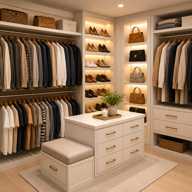
Choose shelving around what you store
A closet shelving visualizer lets you explore the look of a storage change before choosing a system. Closet Design includes Change Shelving and Replace Elements tools. Start with a photo of your existing closet and a clear idea of the problem: stacks falling over, shoes hidden behind clothes or too little enclosed storage.
Compare four shelving directions
| Concept | What to compare in the preview | What to check in person |
|---|---|---|
| Wood built-in | Finish, cabinet rhythm and a coordinated appearance | Wall dimensions, fitting method and material specification |
| Wire shelving | An open look and the arrangement of hanging zones | Support spacing and whether small items need containers |
| Floating shelves | Visual simplicity and space between shelves | Wall construction, fixings and rated load |
| Modular or cube storage | Repeated compartments and a mix of open and closed storage | Available unit sizes, depth and access |
Use Change Shelving for a focused comparison
Select a room photo and use Change Shelving to explore a shelf type. The app includes wood built-in, wire, floating, modular, custom wood, industrial metal, glass, drawer and cube options. Compare a small number of options using the same image so the differences are easier to judge.
Describe a specific replacement
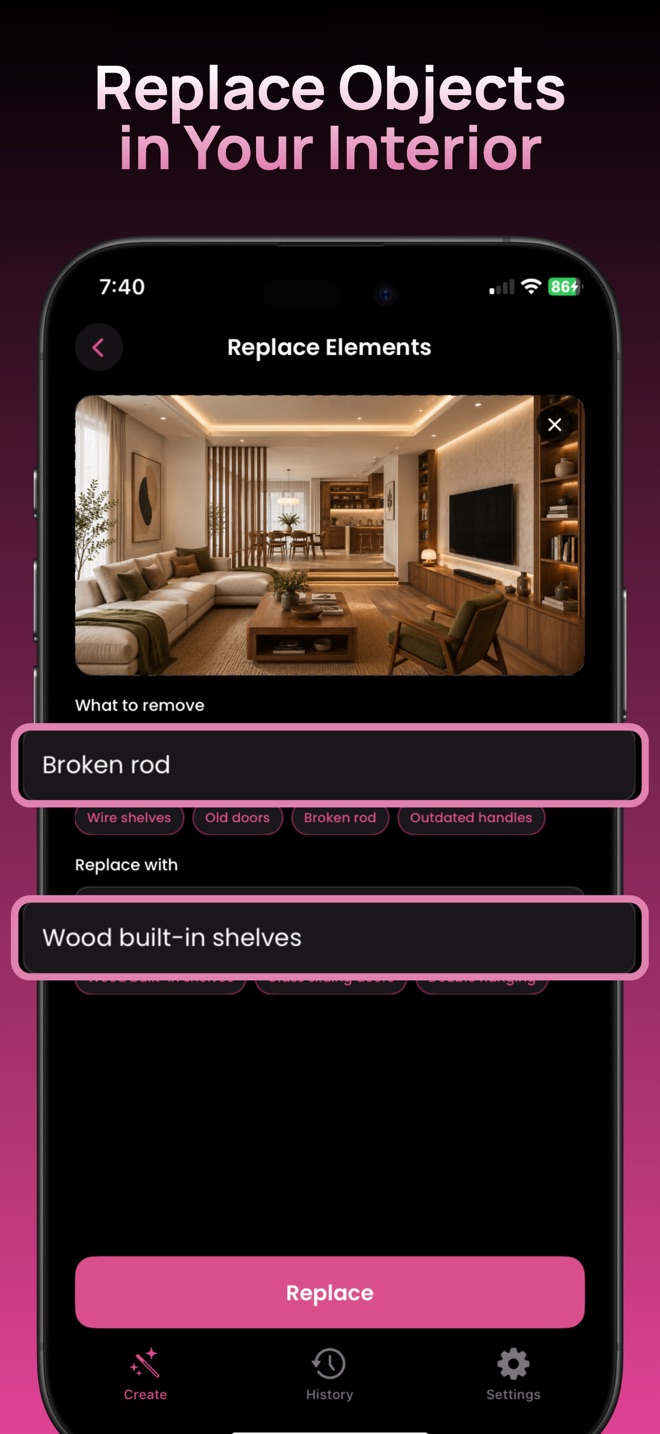
Replace Elements is helpful when you can name what should change. Its two fields let you describe the existing element and what should replace it. For example, try “wire shelves” and “wood built-in shelves.” The screenshot below shows these kinds of controls in the live app.
Change one main element at a time. If you ask for new shelves, doors, lighting and finishes together, it becomes harder to understand which choice improved the concept.
Check storage capacity outside the image
Measure folded stacks, shoes and containers before selecting actual shelving. Check usable shelf depth, opening width, access to hanging clothes and the clearance needed to open drawers. A generated shelf is an appearance reference, not a measured component or a load rating.
Build a shortlist before buying
Save two or three concepts and note the feature you prefer in each: a warmer finish, more visible shoes or less visual clutter. Take those notes and your measured room sketch to a storage supplier. For a larger redesign, follow the photo makeover walkthrough.
Try a specific closet project
Explore your own closet concept.
For iPhone and iPad. Free download with optional in-app purchases.
Get Closet Design on the App Store ↗